DLL Decompiler Online: What Can You Actually Decompile?
A DLL decompiler online tries to reconstruct readable code from a compiled DLL. How successful that process is depends heavily on what kind of DLL you have.
.NET DLLs often decompile into readable C#-like code because they contain managed metadata and Intermediate Language. Native DLLs are much harder. A native decompiler usually reconstructs pseudocode from machine instructions, and the result is not the original source code.
This guide explains what a DLL decompiler online can realistically recover, the difference between .NET and native DLL decompilation, what compilation permanently removes, and when you should inspect a DLL before trying to decompile it.
.NET DLLs are usually much easier to decompile than native DLLs. A decompiler can often reconstruct readable logic, but it cannot guarantee the exact original source code, comments, project files, variable names, or build environment.
On this page
What Does a DLL Decompiler Do?
A decompiler works backward from compiled code toward a higher-level representation.
Depending on the DLL, it may reconstruct:
- Classes
- Methods
- Function logic
- Control flow
- Constants
- Strings
- Type information
- References to other libraries
The important word is reconstruct. Decompilation is not the same as opening an original source-code file.
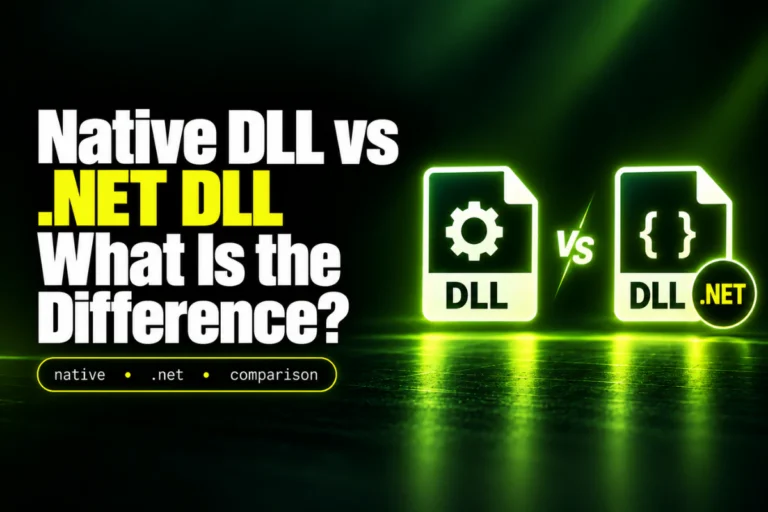
The First Question: Is the DLL .NET or Native?
This is the most important distinction.
| DLL type | What is stored | Typical decompiler result |
|---|---|---|
| .NET DLL | Managed IL and rich CLR metadata | Readable C#-like code in many cases |
| Native DLL | CPU machine code | Assembly or reconstructed pseudocode |
Before choosing a decompiler, check whether the DLL is a .NET assembly.
See How to Check If a DLL Is a .NET Assembly.
Why .NET DLLs Decompile More Cleanly
.NET assemblies usually preserve a lot of structured information.
A managed DLL can contain metadata for:
Classes, interfaces, enums, and structs.
Methods, properties, fields, and events.
Other assemblies and managed dependencies.
Method parameters, return types, and generic information.
Because this structure survives compilation, a .NET decompiler often has enough information to reconstruct code that looks similar to the original high-level source.
Example of a .NET Decompiler Result
A compiled method might decompile into something like:
This may look almost identical to the original source.
But even here, the decompiler is reconstructing a valid high-level representation from IL and metadata.
What a .NET Decompiler Can Often Recover
For an unobfuscated managed DLL, you may be able to recover:
- Class names
- Namespace names
- Method names
- Property names
- Field names
- Parameter types
- Return types
- Control flow
- Strings
- Assembly references
This is why .NET reverse engineering is often much easier than native reverse engineering.
What Is Usually Lost Even in .NET?
Compilation can remove or transform information.
You may not recover:
- Original comments
- Original formatting
- Exact project structure
- Build scripts
- Source-control history
- Some local variable names
- Original file organization
- Compiler-specific source choices
The decompiled code may behave the same while looking different from what the developer originally wrote.
Why Native DLLs Are Harder to Decompile
A native DLL is typically compiled into machine instructions for x86, x64, ARM, or ARM64.
Machine code is much farther from the original source language.
For example, a C++ function may be optimized into a sequence of instructions that no longer preserves the original:
- Loop style
- Variable names
- Class abstractions
- Templates
- Comments
- Source file boundaries
Native Decompilation Produces Pseudocode
A native decompiler may turn machine code into pseudocode that looks like C.
The logic may be correct, but names such as sub_180012340, a1, and v3 may be generated by the analysis tool rather than preserved from the original source.
Disassembler vs Decompiler
These terms are related but different.
| Tool | Output |
|---|---|
| Disassembler | CPU assembly instructions |
| Decompiler | Higher-level pseudocode reconstructed from machine code or IL |
For a native DLL, analysts often use both.
Can You Recover the Original Source Code Exactly?
Usually no.
Compilation is not a reversible archive process.
Important source-level information may be removed, combined, renamed, optimized, or transformed.
A decompiler tries to produce code that explains the compiled behavior, not the exact file the developer originally wrote.
For the broader question, read Can You Read Source Code From a DLL File?.
Compiler Optimization Makes Native Decompilation Harder
Optimizing compilers can significantly transform code.
They may:
- Inline functions
- Remove unused code
- Reorder instructions
- Merge variables
- Replace loops with different instruction patterns
- Fold constants
The decompiler sees the optimized result, not the original source decisions.
What About C++ DLLs?
C++ can be especially difficult because the original program may use:
- Classes
- Inheritance
- Virtual functions
- Templates
- Operator overloading
- Exceptions
Some information can be inferred from symbols, RTTI, or code patterns, but optimized native code may require substantial manual analysis.
What Is Obfuscation?
Obfuscation intentionally makes compiled code harder to understand.
In .NET, an obfuscator may rename:
LoadCustomer → b
customerId → c
It may also transform control flow or encrypt strings.
The assembly may still run normally while becoming much harder to decompile into meaningful source.
Packed Native DLLs Can Hide Code Too
Native binaries can be packed or protected.
The code stored on disk may be compressed, encrypted, or wrapped in a loader stub.
A static decompiler may initially see only the unpacking logic rather than the real program code.
Packing is used by both legitimate software and malware, so it is not a verdict by itself.
Inspect the DLL Before Decompiling It
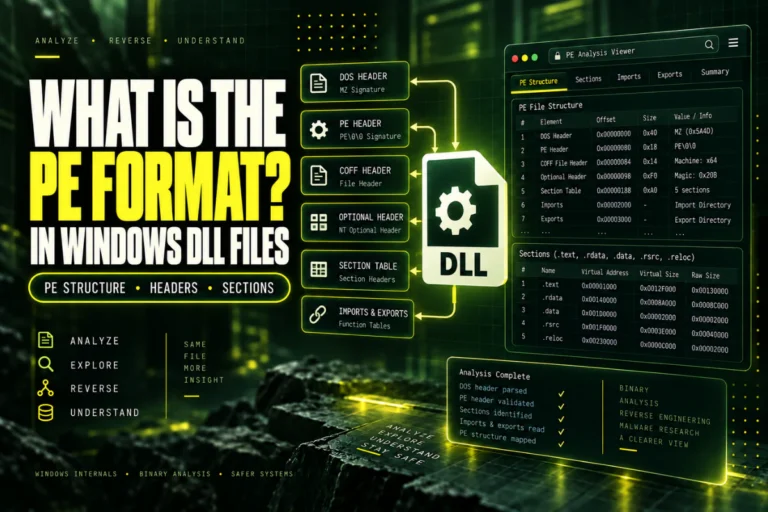
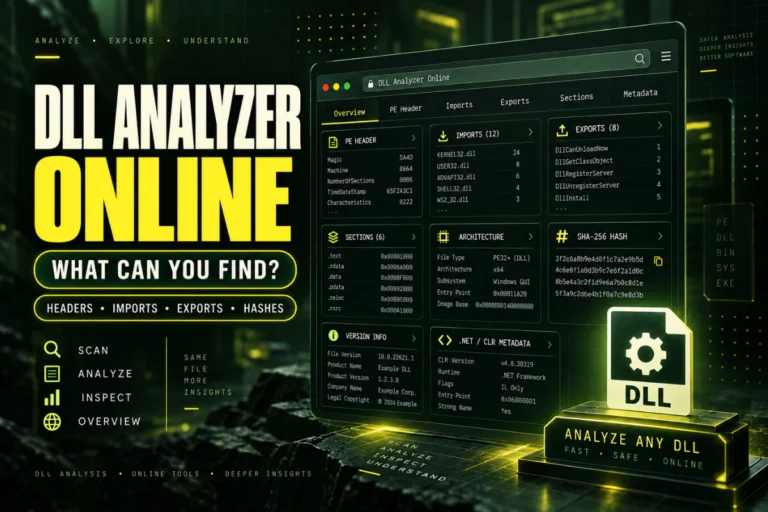
Before choosing a decompiler, inspect the file structure.
Check:
Architecture
PE32 or PE32+
Imports
Exports
Sections
Version information
CLR / .NET metadata
This tells you whether you need a managed decompiler, native decompiler, disassembler, or only a viewer.
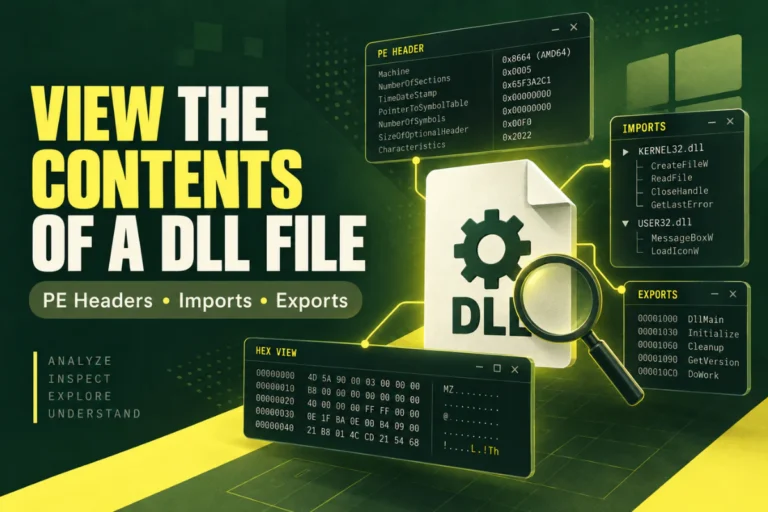
Why Use a DLL Viewer First?
Decompilation is unnecessary for many questions.
If you only need to know:
- Whether the DLL is x86 or x64
- Which dependencies it imports
- Which functions it exports
- Its SHA-256 hash
- Its PE sections
- Whether it is .NET
a static viewer is faster and simpler.
Our Open DLL File Online tool is designed for this first-stage inspection and does not execute the DLL.
DLL Viewer vs DLL Decompiler
A viewer reads structure. A decompiler reconstructs logic.
That distinction matters because users often search for a decompiler when they really only need metadata.
For a direct comparison, read DLL Viewer vs DLL Decompiler: What Is the Difference?.
Can an Online Decompiler Handle Large DLLs?
It depends on the service.
Large DLLs can contain thousands of methods or a large amount of native code.
An online tool may limit:
- Upload size
- Analysis time
- Supported architectures
- Supported .NET versions
- Output size
For large or complex binaries, local tools are often more practical.
Privacy Matters With Online DLL Decompilers
A DLL may contain proprietary code, trade secrets, API endpoints, internal names, or unreleased logic.
Uploading a private binary to a third-party online decompiler can expose that information outside your organization.
For:
- Client software
- Commercial products
- Internal company tools
- Unreleased builds
prefer local analysis unless you have permission to upload the file.
Can Decompilation Change the DLL?
Normal decompilation is analysis. It does not need to modify the original file.
Some tools also support editing and rebuilding, especially for managed .NET assemblies.
That is a separate step from simply viewing decompiled code.
Can You Recompile Decompiled Code?
Sometimes.
A simple .NET assembly may be reconstructed into a project that can compile after some cleanup.
But there can be problems with:
- Missing resources
- Compiler-generated code
- Assembly references
- Obfuscation
- Strong-name signing
- Build settings
Native decompiled pseudocode is even less likely to compile directly without major reconstruction.
What About Strong-Named .NET Assemblies?
A strong-named .NET assembly includes identity information tied to signing.
If you modify and rebuild the assembly, the original strong-name signature does not simply remain valid.
You may need the appropriate signing key if you own and are rebuilding the software.
Can a Decompiler Show Passwords or Secrets?
It can reveal strings or constants that were compiled into the DLL.
If a developer hard-coded an API key, password, endpoint, or token directly in managed code, a decompiler may make it easy to find.
This is one reason secrets should not be embedded directly in distributed client binaries.
But not every secret is stored plainly. Values may be encrypted, generated at runtime, or retrieved from external systems.
Legal and License Considerations
Before decompiling third-party software, check the license, contract, applicable law, and your authorization.
Legitimate reasons for decompilation can include:
- Debugging your own software
- Security research with permission
- Interoperability work where permitted
- Recovering code you own
- Investigating a dependency you are authorized to analyze
The technical ability to decompile a DLL does not automatically mean you have permission to use or redistribute the recovered code.
A Practical Decompilation Decision Flow
Frequently Asked Questions
Can I decompile a DLL online?
Yes, some services can decompile DLLs, especially .NET assemblies. Native DLL decompilation is more complex and may produce pseudocode rather than clean source.
Can a DLL decompiler recover the original source code?
Usually not exactly. It reconstructs code from the compiled binary, and some source-level information is lost during compilation.
Is .NET easier to decompile than native code?
Yes. .NET assemblies usually preserve much richer metadata and managed IL.
Can a native DLL be decompiled?
Yes, but the result is usually reconstructed pseudocode and assembly analysis rather than the original C or C++ source.
Should I upload a private DLL to an online decompiler?
Usually not unless you are authorized and comfortable sharing that binary with the service. Local tools are safer for proprietary code.
Do I need a decompiler just to view imports and exports?
No. A static DLL viewer can show imports, exports, architecture, PE sections, hashes, and metadata without decompiling the code.
What Can You Actually Get From a DLL Decompiler Online?
For .NET, you can often recover surprisingly readable high-level code, type information, method logic, strings, and references.
For native DLLs, expect a much more technical process involving assembly and reconstructed pseudocode.
In both cases, decompiled output is a reconstruction, not a guaranteed copy of the original source project. Start by identifying the DLL type and structure, then use the narrowest tool that answers your question.
Inspect the DLL before decompiling it
Check architecture, PE format, imports, exports, sections, SHA-256, and basic .NET indicators without executing the DLL.
Inspect DLL Online