How to Read PE Headers in a DLL File
Learn how to read PE headers in a DLL file, including the DOS header, PE signature, COFF header, Optional Header, data directories, and key fields.

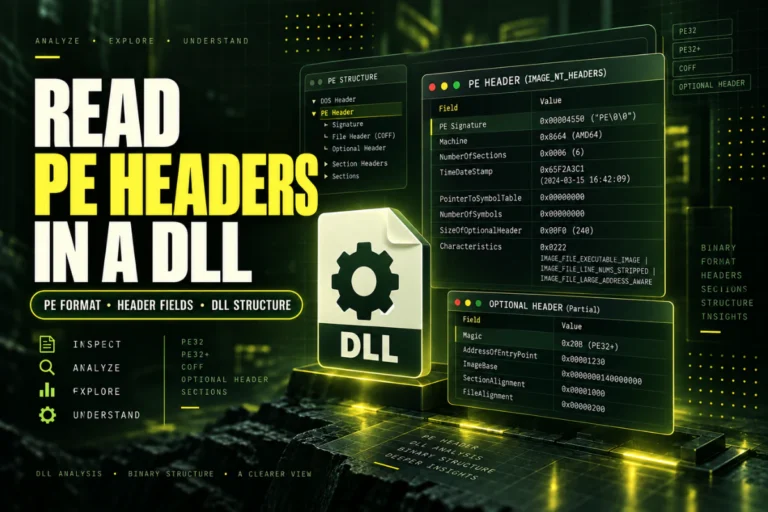
Learn how to read PE headers in a DLL file, including the DOS header, PE signature, COFF header, Optional Header, data directories, and key fields.
Learn how to identify an unknown DLL file using hashes, architecture, version info, imports, exports, PE sections, and .NET metadata without running it.
Learn how to fix “DLL is not a valid Win32 application” errors by checking x86/x64 architecture, PE format, corruption, .NET status, and file compatibility.
Learn how to fix 32-bit and 64-bit DLL mismatch errors by checking process and DLL architecture, PE headers, WOW64 folders, .NET targets, and dependencies.
Find the SHA-256 hash of a DLL file, compare copies, and verify a vendor checksum. Learn what a matching hash can and cannot tell you about safety.
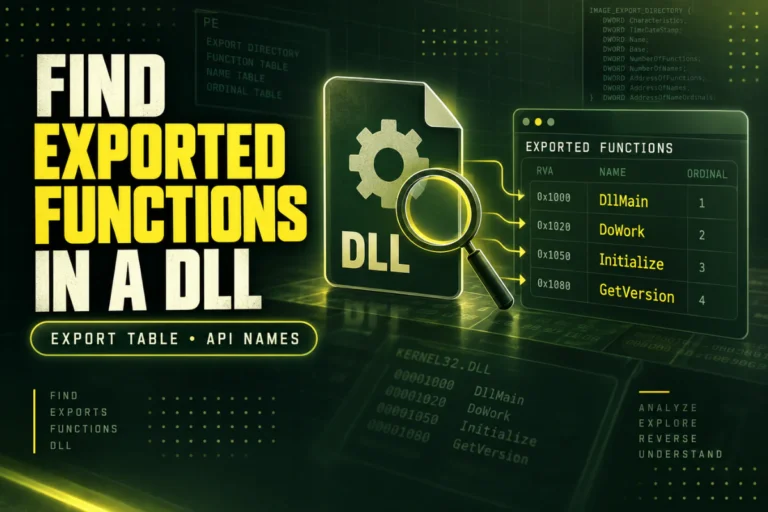
Learn how to find exported functions in a DLL, read named exports and ordinals, identify missing functions, and inspect a DLL export table safely.
Learn how to compare two DLL files using SHA-256 hashes, architecture, version info, exports, imports, and sections to find exact and structural differences.
Learn how to check DLL version information in Windows, including FileVersion, ProductVersion, CompanyName, OriginalFilename, and version resources.
Learn the difference between EXE and DLL files, including how Windows loads them, entry points, imports, exports, PE structure, and native vs .NET behavior.
Fix an entry point not found DLL error by checking versions, exported functions, dependencies, and architecture before repairing the affected application.