How to View DLL Exports Online
A DLL export viewer shows the functions and symbols that a Windows DLL makes available to other programs. If you need to confirm whether a library exposes a certain function, compare two DLL versions, or understand the public interface of a file, the export table is one of the best places to look.
You do not need to run the DLL to view its exports. A viewer can read the Portable Executable export directory and list the names that are stored there.
This guide explains how to view DLL exports online, what exported functions mean, why some exports use ordinals, and what to do when the function you expect is missing.
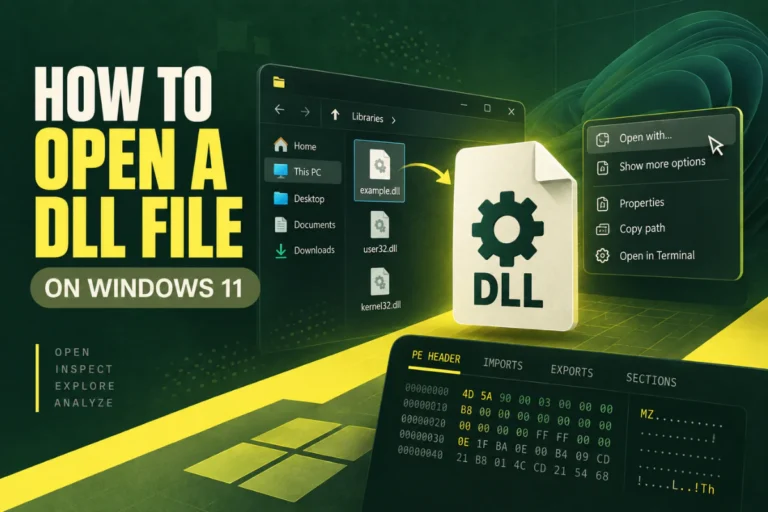
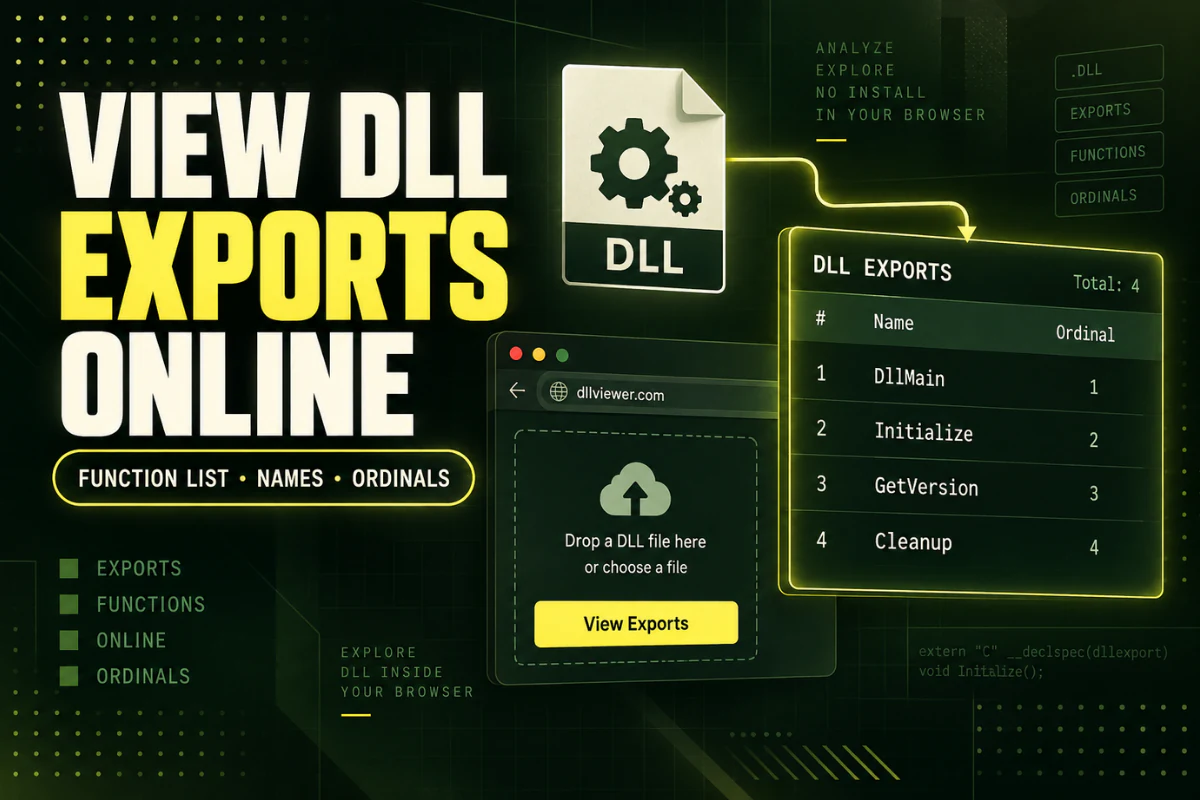
Upload the DLL to our DLL export viewer, then check the exports section. If the DLL contains named exports, the viewer can list them without loading or executing the library.
On this page
What Is a DLL Export?
A DLL export is a function or symbol that the library exposes so another program can use it.
For example, a plugin DLL might export functions like these:
GetPluginVersion
ProcessFile
SaveSettings
ShutdownPlugin
The main application can look up those exported functions and call them when needed.
Not every function inside the DLL is exported. A library can contain many internal functions that are never exposed to other programs.
Why Would You Want to View DLL Exports?
Exports can answer several practical questions.
Confirm that the DLL contains the function an application expects.
See whether functions were added or removed between two DLL files.
Check the callable interface of a plugin or extension library.
A missing export can explain why software reports an entry point error.
If your goal is broader than exports, see How to View the Contents of a DLL File.
How to View DLL Exports Online
You can inspect exports in a few simple steps.
- Open the DLL viewer. Go to the Open DLL File Online tool.
- Select your DLL. Choose the library you want to inspect.
- Upload it for analysis. The viewer reads the PE structure.
- Find the exports section. Look for named exported functions or symbols.
- Compare the list with what your program expects. If a required name is missing, you may have the wrong DLL build.
This is useful because you can inspect the public interface without registering the library or loading it into a Windows process.
What the DLL Export Table Contains
The PE export directory stores information about functions that the library exposes.
A viewer may show:
- Exported function names
- Export ordinals
- Function addresses or relative virtual addresses
- The DLL name stored in the export directory
- The number of exported functions
The exact information depends on the viewer and the way the library was built.
Named Exports vs Ordinal Exports
Exports can be identified by name, by ordinal, or by both.
| Export type | Example | What it means |
|---|---|---|
| Named export | GetVersion |
The function has a readable exported name. |
| Ordinal export | #17 |
The function is referenced by a numeric ordinal. |
Named exports are easier to understand. Ordinals are compact but less descriptive.
If a DLL uses ordinals heavily, a simple list of names may not tell you everything you need to know.
What Are Decorated Function Names?
You may open a DLL and see an export name that looks much more complicated than expected.
For example:
This can happen because C++ compilers encode extra information into symbol names. This is often called name decoration or name mangling.
The decorated name can include details about the function, such as parameter types or calling conventions.
A DLL export viewer may show the decorated name exactly as it appears in the export table.
Why a Function May Be Missing From the Export List
If you expected to see a function but it is not listed, several explanations are possible.
You have the wrong DLL version. A function may have been added in a newer build or removed from an older one.
The function is internal. Not every function is exported.
The function is exported by ordinal. It may not have a readable name.
The name is decorated. The function may be present under a compiler-generated symbol name.
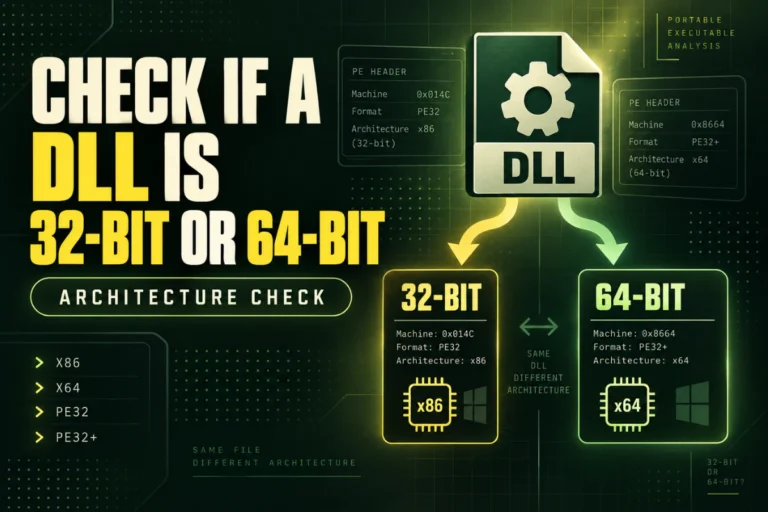
You are looking at the wrong architecture build. A vendor may ship separate x86 and x64 DLLs with different export sets.
If you suspect an architecture problem, read How to Check Whether a DLL Is 32-Bit or 64-Bit.
How Exports Help With “Entry Point Not Found” Errors
A common Windows error says that a procedure entry point could not be located in a DLL.
This often means the application expects a particular exported function, but the DLL that Windows loaded does not provide it under the expected name.
A simple comparison may look like this:
Loaded DLL exports: GetVersion, Initialize, Shutdown
GetEngineVersion present: No
That does not automatically tell you why the mismatch occurred. But it confirms that the expected export is missing from that copy of the library.
Compare Exports Between Two DLL Versions
Export lists are useful when you have two copies of the same DLL.
Suppose version A exports:
OpenFile
SaveFile
Close
Version B exports:
OpenFile
SaveFile
ExportPDF
Close
You can quickly see that ExportPDF exists only in the second version.
This type of comparison can help explain compatibility problems after an update.
Exports Do Not Show Every Function in the DLL
This is one of the most important points to understand.
The export table shows the public functions the library exposes. It does not list every internal function compiled into the binary.
A DLL may contain hundreds or thousands of internal functions while exporting only a small set.
If you need to study internal native code, you will need a disassembler or decompiler. For managed .NET assemblies, a .NET decompiler may provide a clearer view.
For a broader explanation, read Best Ways to Read a DLL File.
Exports and DLL Imports Are Different
These two terms are easy to confuse.
If you are trying to diagnose missing dependencies, the import table is usually more relevant than the export table.
Can You View Exports Without Running the DLL?
Yes.
A DLL export viewer reads the PE export directory from the file. It does not need to call the exported functions.
This is a safer way to inspect an unfamiliar DLL than trying to load or register it.
Do not use regsvr32 just to see a DLL’s exports. Registration is a different operation and can cause system changes.
What a DLL Export Viewer Cannot Tell You
An export list is useful, but limited.
It does not tell you:
- Exactly what each function does internally
- Whether the DLL is safe
- Whether every export works correctly
- Whether an export has hidden side effects
- The original source code
Exports describe the public interface. They do not explain all of the behavior behind that interface.
Privacy and Safety Before Uploading a DLL
If the DLL belongs to a company, client, private project, or unreleased product, make sure you are allowed to upload it to an online service.
For confidential software, a local desktop analysis tool may be the better choice.
For public or non-sensitive DLL files, an online export viewer is convenient because you can check the export table without installing a full development environment.
Frequently Asked Questions
How do I see exported functions in a DLL?
Use a DLL export viewer. It reads the PE export directory and lists named exports when they are available.
Can I view DLL exports online?
Yes. An online DLL viewer can inspect the export table without requiring a desktop installation.
Why does my DLL show no exports?
The DLL may not export named functions, may use ordinals, or may rely on another interface such as COM or managed .NET metadata.
What is an export ordinal?
An ordinal is a numeric identifier used to reference an exported function. Some libraries use ordinals instead of readable function names.
Why are some export names strange?
C++ compilers can decorate or mangle names to encode type and calling information. The export viewer may display the decorated symbol.
Can I call an exported function from the viewer?
A metadata viewer is designed to inspect the export table, not execute functions from the DLL.
The Best Way to Check DLL Exports
If you only need to know what a DLL exposes, start with the export table.
Look for the function name you need. Check whether the export is named or ordinal-based. If the function is missing, compare the DLL version and architecture with what the application expects.
This gives you a fast way to diagnose many plugin and compatibility problems without trying to run the library.
View DLL exports online
Upload your DLL and inspect exported functions, architecture, imports, sections, PE information, and hashes.
View DLL Exports