What Is a DLL File and What Does It Do?
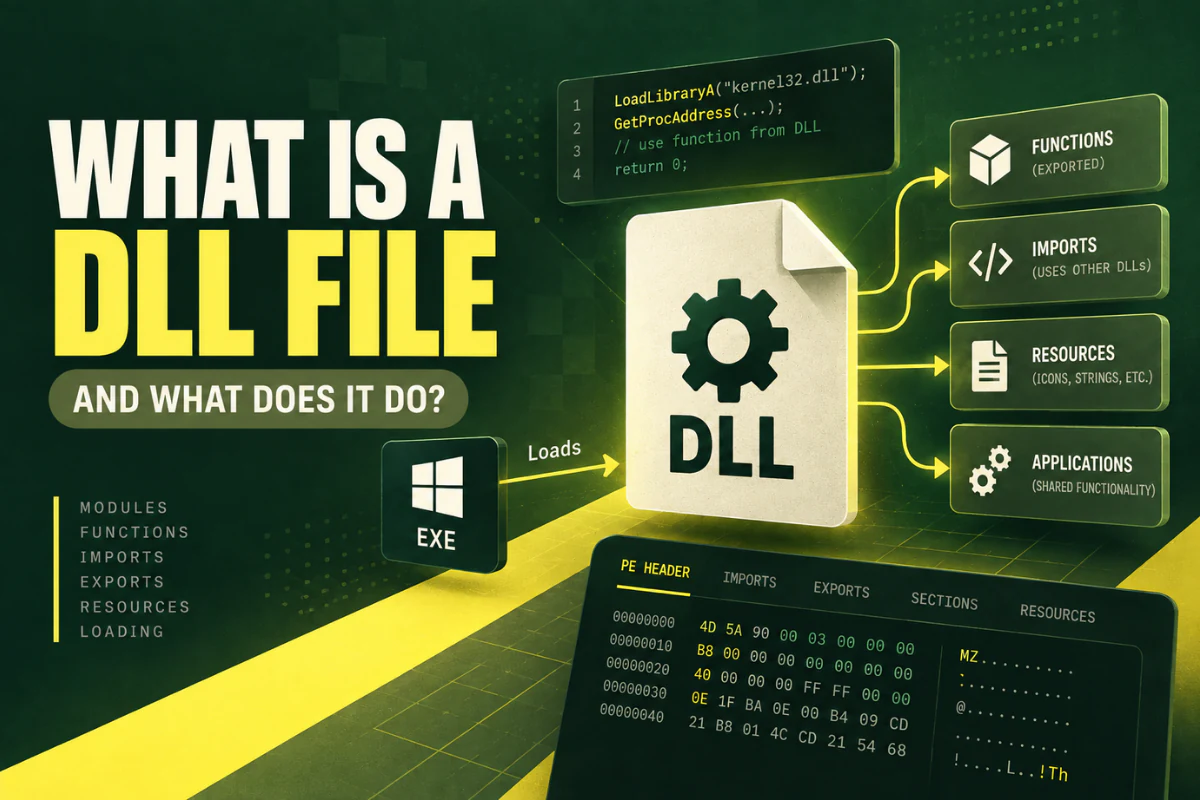
A DLL file is a Windows library file that stores code, functions, data, and resources that other programs can use. DLL stands for Dynamic Link Library.
Instead of putting every feature inside one large program file, developers can place reusable parts inside DLL files. The main program can then load those parts when it needs them.
This is why DLL files appear in Windows folders, program installation folders, game directories, browser folders, and software development tools.
If you have ever wondered what a DLL file is and what it does, this guide explains it in plain English.
A DLL is a shared library used by Windows programs. It can contain reusable functions, program resources, data, and other components that applications load when needed.
On this page
What Does DLL Stand For?
DLL stands for Dynamic Link Library.
The word library is important. A DLL is not usually a complete application by itself. It is a collection of reusable parts that another program can call.
The word dynamic means the library can be loaded when the program needs it. This is different from placing all code directly inside the main executable file.
For example, a Windows program might have a main file called:
The same program may also use several DLL files:
fileformats.dll
printing.dll
effects.dll
The EXE can use functions stored inside those libraries instead of containing every feature in one file.
Why Do Programs Use DLL Files?
DLL files help software developers organize code and reuse features.
Imagine five programs all need the same image-processing function. Without a shared library, each program might include its own copy of that code. With a DLL, the shared feature can be placed in one reusable library.
This approach has several benefits.
Developers can use the same library in more than one program.
Features can live in separate libraries instead of one huge executable.
A library may be updated without replacing the entire application.
Large applications can be split into clear components.
This modular design is common in Windows software.
Where Are DLL Files Stored?
DLL files can appear in many locations.
Windows includes many system DLLs. Applications also install their own private libraries.
Common locations include:
C:\Windows\SysWOW64\
C:\Program Files\AppName\
C:\Program Files (x86)\AppName\
Some programs keep all required DLLs in their own installation directory. Others use system components that already exist in Windows.
You should not move or delete DLL files from Windows system folders unless you know exactly what you are doing. Removing the wrong file can stop software or Windows components from working.
What Is Inside a DLL File?
A DLL is a binary file. That means most of its contents are not readable as normal text.
A Windows DLL may contain several types of information:
- Compiled machine code
- Exported functions
- Imported libraries and functions
- Program resources
- Icons and images
- Text strings
- Version information
- Configuration data
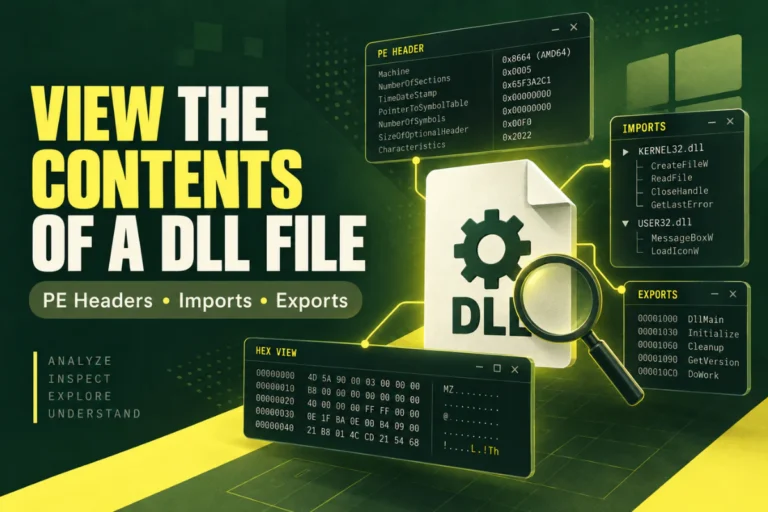
- Portable Executable headers
The exact contents depend on how the DLL was built.
How Does a DLL Work?
When an application starts, Windows loads the main executable. The program may then request one or more DLL files.
A simple flow can look like this:
↓
Windows loads the EXE
↓
The EXE requests a DLL
↓
Windows maps the DLL into memory
↓
The program calls functions from the DLL
The library does not normally work alone. Another program calls into it.
This is one reason double-clicking a DLL usually does not produce anything useful.
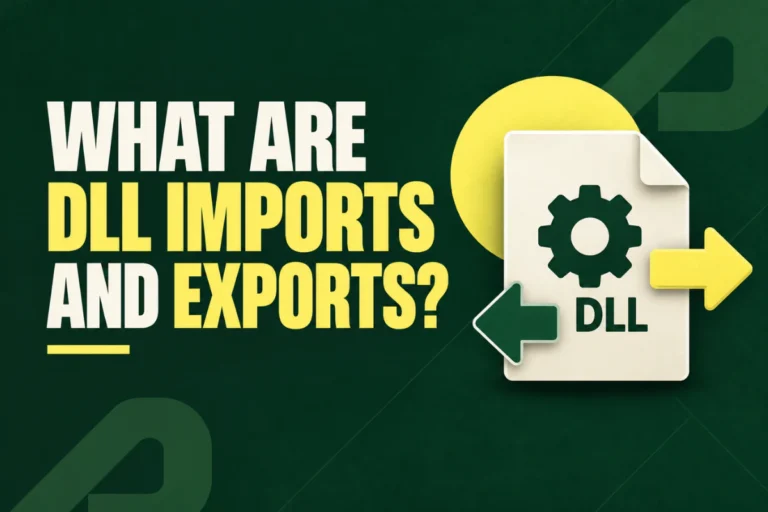
What Are DLL Imports and Exports?
Imports and exports are two of the most useful parts of a DLL to understand.
DLL exports
An export is a function or symbol that the DLL makes available to other programs.
For example, a library might export:
SaveDocument
ConvertImage
CloseDocument
Another program can call those functions if it knows how the library is designed.
DLL imports
An import is a function or library that the DLL itself expects to use.
For example, a DLL may rely on Windows system libraries such as:
USER32.dll
ADVAPI32.dll
This import information can help when troubleshooting missing dependencies.
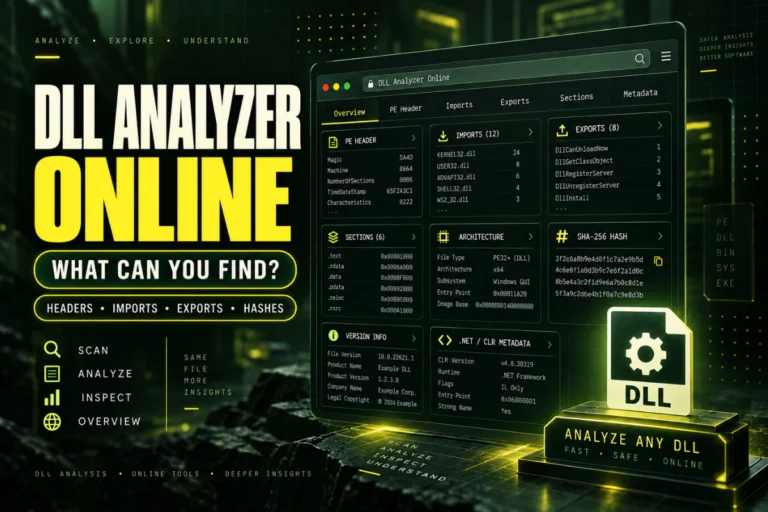
You can inspect both imports and exports with our online DLL viewer.
DLL vs EXE: What Is the Difference?
DLL and EXE files can both use the Windows Portable Executable format, but they serve different purposes.
| Feature | DLL | EXE |
|---|---|---|
| Main purpose | Provide reusable code or resources | Run a program |
| Normally launched directly | No | Yes |
| Can contain executable code | Yes | Yes |
| Can use other DLLs | Yes | Yes |
An EXE is usually the main program. A DLL is usually a supporting library.
What Is a System DLL?
Windows includes many built-in DLL files that provide common operating system functions.
Applications can use these libraries for tasks such as:
- Creating windows and dialog boxes
- Working with files
- Managing memory
- Using networking features
- Accessing system settings
- Drawing graphics
Common Windows DLL names include kernel32.dll, user32.dll, and advapi32.dll.
These are core system components. Do not replace them with files from random download sites.
Why Do DLL Errors Happen?
DLL errors usually appear when a program cannot find or use the library it expects.
Common reasons include:
Missing file: The DLL was deleted, moved, or never installed.
Wrong version: The program expects a different build of the DLL.
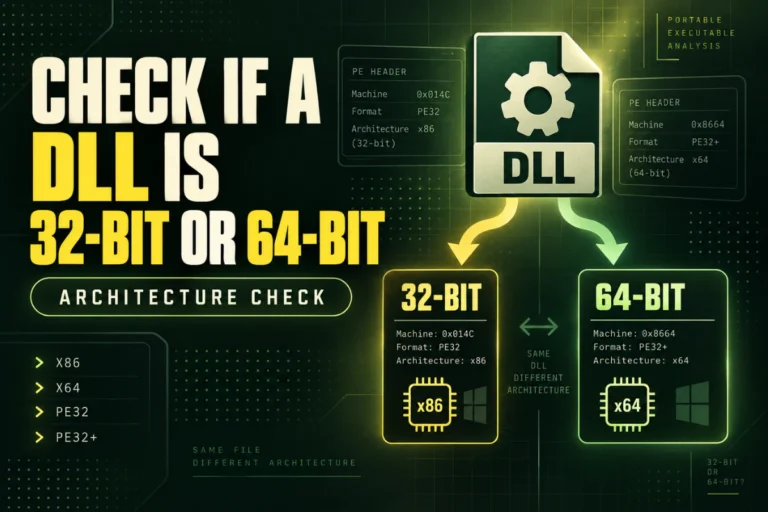
Architecture mismatch: A 32-bit program is trying to use a 64-bit native DLL, or the opposite.
Missing dependency: The DLL itself depends on another file that is not available.
Corruption: The file is damaged or incomplete.
If you are trying to understand a loading problem, first inspect the DLL architecture and dependencies. Our DLL analyzer can help with those basic checks.
What Does 32-Bit or 64-Bit Mean for a DLL?
Native DLL files are built for a specific processor architecture.
The most common desktop Windows types are x86 and x64.
x86 normally means 32-bit. x64 means 64-bit.
A 32-bit program normally needs 32-bit native DLLs. A 64-bit program normally needs 64-bit native DLLs.
You can read more in our guides for Windows 10 and Windows 11.
Can You Open a DLL File?
Yes, but the word open can be misleading.
A DLL is not designed to open like a normal document. If you double-click it, Windows may ask you to choose a program.
If you want to inspect the file, use a DLL viewer or PE analyzer.
You can also read our guide on how to open DLL files online without installing software.
Can You Read a DLL With Notepad?
You can open a DLL in Notepad, but most of the file will appear unreadable.
That is because the library contains binary data.
You may spot some readable strings, paths, URLs, or function names. But Notepad does not understand the PE structure, so it will not organize the information in a useful way.
A DLL viewer is much better for technical inspection.
Can a DLL File Contain a Virus?
Yes. A DLL can contain executable code, so malicious software can use DLL files.
That does not mean DLL files are suspicious by default. Windows and legitimate applications rely on them every day.
The important issue is where the file came from and whether it is trusted.
Do not download replacement system DLLs from unknown websites. If software reports a missing DLL, reinstall or repair the original program from its official source first.
Also remember that viewing PE metadata does not prove a file is safe. A normal-looking DLL can still contain harmful code.
What Is a .NET DLL?
Some DLL files are managed .NET assemblies.
These often contain Intermediate Language and metadata that describe classes, methods, and other program structures.
Native DLLs usually contain compiled machine code. .NET DLLs are often easier to inspect with a dedicated .NET decompiler.
Both can still use the .dll extension, so the filename alone does not tell you which type you have.
How to Inspect a DLL File
If you have a DLL and want to understand what it contains, start with these checks:
- Check the architecture. Find out whether it is x86, x64, ARM, or another type.
- Look at the PE format. You may see PE32 or PE32+.
- Review imports. See which libraries the DLL references.
- Review exports. Check which functions are exposed.
- Check sections. Look for common areas such as
.text,.data, and.rsrc. - Record the hash. A SHA-256 value helps identify the exact file.
You can perform these checks with the Open DLL File Online tool.
Frequently Asked Questions
What is a DLL file in simple terms?
A DLL is a shared Windows library. It stores code and resources that other programs can use.
What does a DLL file do?
It provides functions, resources, or data to another program. The exact role depends on the software that uses it.
Can I delete DLL files?
Do not delete DLL files unless you know they are no longer needed. Removing a required library can break a program or Windows feature.
Why do programs need DLL files?
DLLs let developers reuse code, divide software into modules, reduce duplication, and update components more easily.
Can I run a DLL by itself?
A normal DLL is not meant to run like an EXE. It is generally loaded by another program.
How can I tell what a DLL does?
Start by inspecting its imports, exports, architecture, sections, strings, and version information. A deeper answer may require a decompiler or disassembler.
What is the difference between a DLL viewer and a decompiler?
A viewer shows file structure and metadata. A decompiler tries to reconstruct readable code from compiled program instructions or managed bytecode.
Final Answer: What Is a DLL File?
A DLL file is a Windows Dynamic Link Library. It stores reusable code, data, functions, and resources that other software can load when needed.
DLLs help developers build software in smaller, reusable parts. They are used by Windows itself and by thousands of desktop applications.
If you simply want to inspect a DLL, you do not need to run it. Start by checking its architecture, PE format, imports, exports, sections, and hash.
Want to inspect a DLL file?
Use our online DLL viewer to check file architecture, imports, exports, sections, PE details, and hashes.
Open DLL File Online