How to Open a DLL File on Windows 11 Safely
Learn how to open a DLL file on Windows 11, view its contents, check 32-bit or 64-bit architecture, imports, exports, and inspect DLL files safely.

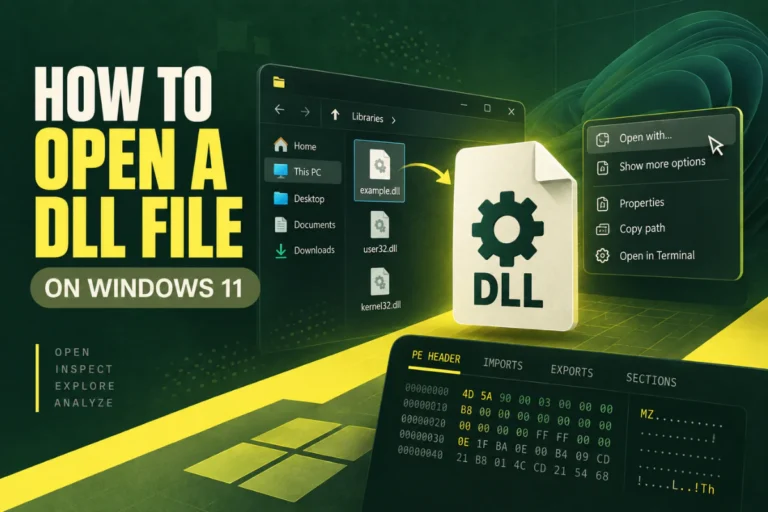
Learn how to open a DLL file on Windows 11, view its contents, check 32-bit or 64-bit architecture, imports, exports, and inspect DLL files safely.
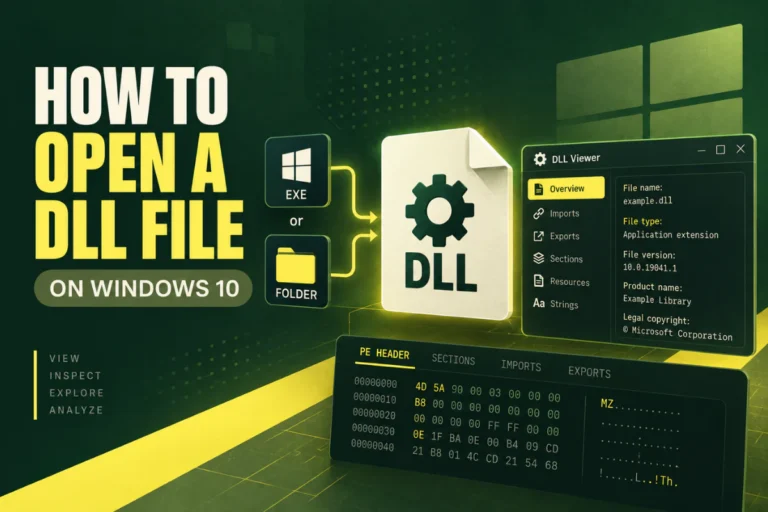
Learn how to open a DLL file on Windows 10, inspect 32-bit or 64-bit architecture, imports, exports, PE headers, and DLL contents safely.
Learn how to inspect a DLL without executing it using static analysis, PE headers, imports, exports, sections, hashes, version info, and .NET metadata.
Learn how to fix missing DLL file errors in Windows using safe repair steps, official runtimes, SFC, DISM, app reinstall, and DLL compatibility checks.
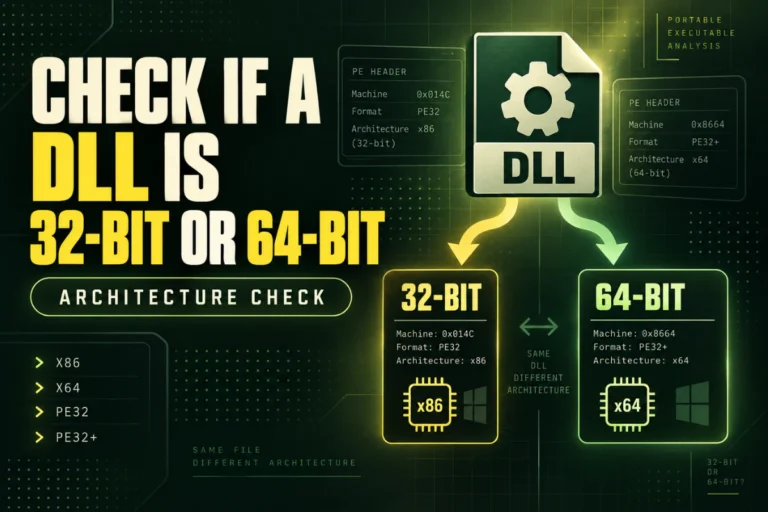
Check whether a DLL is 32-bit or 64-bit using its PE headers and machine type. Learn how architecture affects compatibility and how .NET differs.
Learn how to check if a DLL is a .NET assembly using CLR metadata, PE headers, PowerShell, and .NET tools, and understand managed vs native DLLs.
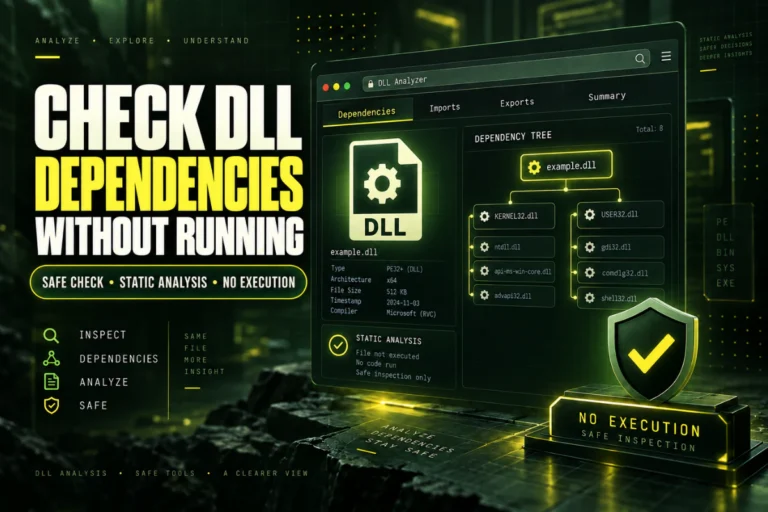
Learn how to check DLL dependencies without running the file. Inspect imports, recognize missing runtimes, and understand the limits of static analysis.
Learn how to check a DLL file before using it by verifying its source, SHA-256 hash, architecture, version info, imports, exports, sections, and signatures.
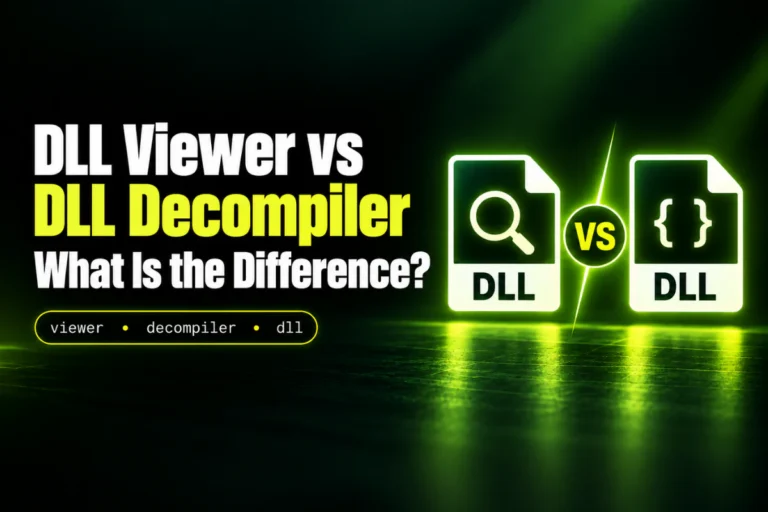
Learn the difference between a DLL viewer and DLL decompiler, what each tool shows, when to use one, and how native and .NET DLL analysis differs.
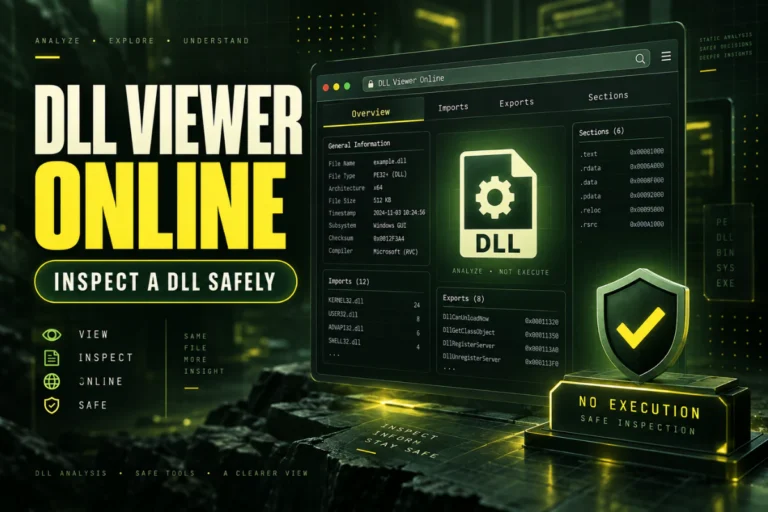
Use a DLL viewer online to inspect architecture, imports, exports, PE headers, sections, and hashes safely without running the DLL file.