Can You Decompile a DLL File?
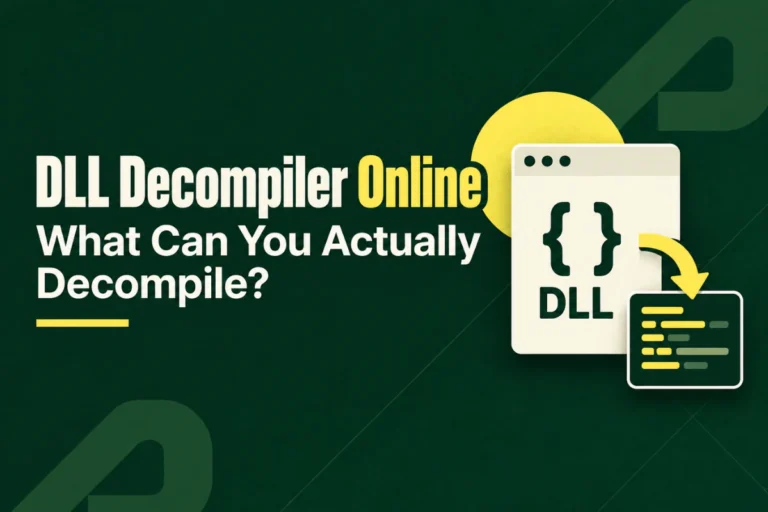
Yes, you can often decompile a DLL file, but the result depends on what kind of DLL it is. A .NET DLL can often be reconstructed into highly readable code, while a native DLL usually requires deeper reverse engineering and produces approximate pseudocode rather than the original source.
Decompilation does not reverse compilation perfectly. Comments, original formatting, build files, some names, and compiler decisions may be gone permanently.
This guide explains how to decompile a DLL file, what to expect from .NET and native binaries, how to choose the right tool, and what information you should inspect before decompiling anything.
A .NET DLL can often be decompiled into readable high-level code. A native DLL can also be analyzed, but the decompiler usually creates approximate C-like pseudocode from machine instructions. Neither method guarantees the original source.
On this page
What Does It Mean to Decompile a DLL?
Decompilation means taking compiled program code and trying to reconstruct a higher-level representation that humans can read more easily.
↓ compiler
Compiled DLL
↓ decompiler
Reconstructed code
The reconstructed code may look similar to the original source, but it is not a guaranteed copy of what the developer wrote.
First Question: Is the DLL .NET or Native?
This is the most important decision before decompilation.
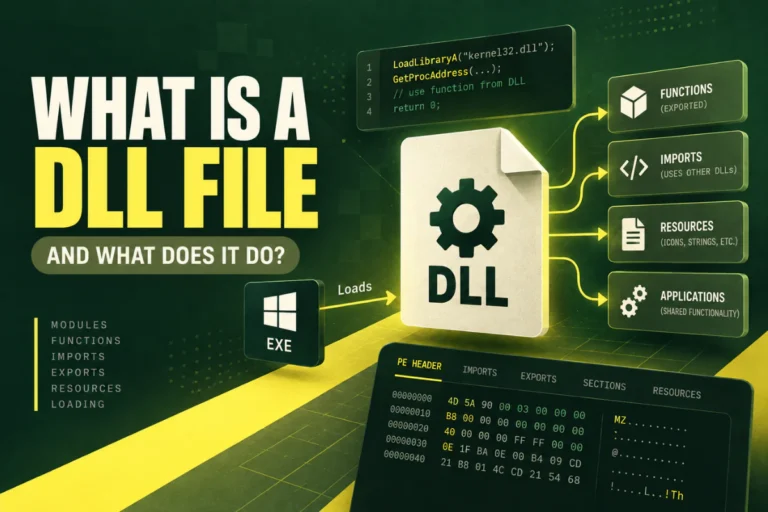
A .NET DLL normally contains CLR metadata and managed Intermediate Language. A native DLL normally contains processor-specific machine code.
| DLL type | Typical compiled form | Typical decompiler result |
|---|---|---|
| .NET DLL | Managed IL plus metadata | Readable C#-like or similar high-level code |
| Native DLL | Machine instructions | C-like pseudocode and assembly |
If you are not sure which type you have, read How to Check If a DLL Is a .NET Assembly.
Decompiling a .NET DLL
.NET assemblies are often much easier to decompile because they preserve rich metadata.
A managed DLL can retain information such as namespace names, class names, method names, property names, field definitions, method signatures, assembly references, and custom attributes.
A .NET decompiler can use this metadata together with IL to reconstruct high-level code.
What Decompiled .NET Code Can Look Like
{
return value >= 0 && value < 100;
}
This can look almost like normal source code. However, the decompiler generated that representation from compiled IL. It does not prove that the original developer wrote the method in exactly that form.
Why .NET Decompilation Works So Well
The .NET runtime needs a large amount of structural metadata to load and execute managed assemblies. That metadata gives a decompiler more information than is normally available in a native binary.
For example, the DLL may preserve the fact that a method belongs to a particular class and accepts specific parameter types. This is why decompiled .NET code can often be surprisingly readable.
Decompiling a Native DLL
A native DLL is different. The compiler translates high-level source into machine instructions for a CPU such as x86 or x64.
A native decompiler must work backward from those instructions.
test eax, eax
jle short fail
add eax, 4
ret
A decompiler may turn that into approximate pseudocode:
goto fail;
return value + 4;
This is easier to read, but it is still an interpretation of machine code.
Why Native Decompilation Is Harder
Native compilation often removes or transforms more high-level information.
- Functions may be inlined.
- Unused code can be removed.
- Instructions may be reordered.
- Loops may be optimized.
- Registers can be reused for several values.
- Temporary variables can disappear.
This means there may be no single obvious way to reconstruct the original source.
What You Usually Cannot Recover Exactly
Normal source comments are usually not included in compiled code.
Indentation and source layout are regenerated.
Project and build configuration may not be present.
Some variable names may be missing or replaced.
Source-control history is not stored in the DLL.
Compiler output does not preserve developer reasoning.
What Can Often Be Recovered?
Useful recoverable information can include function logic, control flow, API calls, strings, constants, exported function names, managed class and method names, and data structures inferred by the decompiler.
Debug symbols, if available and matching, can improve the result considerably.
Start With a DLL Viewer Before Decompiling
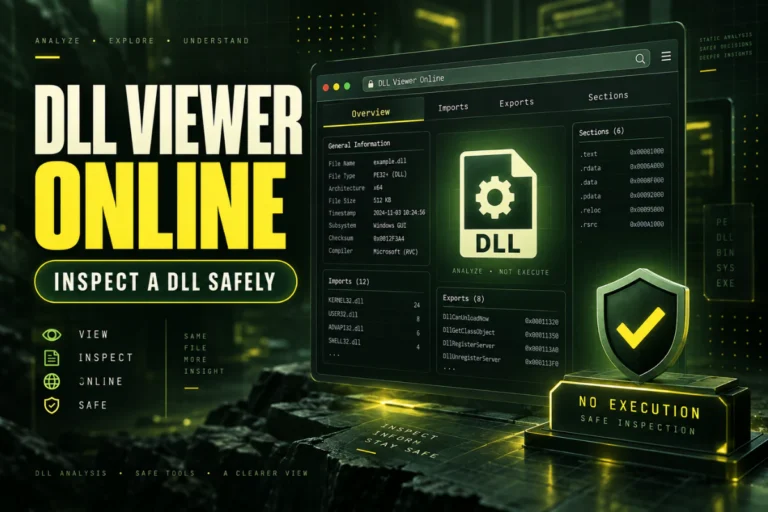
You do not always need a decompiler. Before deeper analysis, inspect the DLL’s basic structure.
PE format
SHA-256
Imports
Exports
Sections
Version information
.NET / CLR indicators
Our DLL viewer can help with this first static inspection step.
For the tool-choice difference, read DLL Viewer vs DLL Decompiler: What Is the Difference?.
A Safe DLL Decompilation Workflow
Can You Decompile a DLL Without Running It?
Yes. Decompilers and disassemblers can read the file contents directly. You do not need to execute the DLL to inspect its machine code, IL, metadata, imports, exports, or PE sections.
This is especially important for unfamiliar files.
What About Obfuscated .NET DLLs?
Obfuscation can make decompiled output much harder to understand.
- Classes and methods may have meaningless names.
- Strings may be encrypted.
- Control flow may be deliberately confusing.
- Metadata patterns may be altered.
The DLL may still be recognizably managed, but readability can drop significantly.
What About Packed or Protected Native DLLs?
Native DLLs can also be packed or protected. A packer may compress or transform code and data so that the file is harder to inspect statically.
A normal decompiler may then show only a small loader or unusual section layout instead of the real program logic.
That does not mean the file has no code. It means the stored representation has been transformed.
How Compiler Optimization Changes Decompiled Code
Optimization can make reconstructed code look very different from the original source.
For example, the compiler may replace a function call with inlined code. A decompiler can reconstruct the behavior, but it may no longer know that the original programmer wrote a separate helper function.
This is one reason exact source recovery is unrealistic for optimized native binaries.
Can You Decompile a DLL Back to C++?
Not exactly. A native decompiler may create C-like pseudocode that represents the binary’s behavior.
It may infer classes, function parameters, structures, or virtual calls, especially when RTTI or symbols are available. But the output should not be treated as the original C++ project.
Can You Decompile a .NET DLL Back to C#?
Often, yes in a reconstructed form.
If the DLL was originally written in C# and is not heavily obfuscated, the decompiler may produce code that looks very close to C# source.
Even then, comments, original local names, formatting, project configuration, and some compiler-generated details may differ.
What About Mixed-Mode DLLs?
Some DLLs contain both managed and native code. These mixed-mode binaries may require more than one analysis approach.
A .NET-aware tool can inspect managed metadata, while native tools may be needed for machine-code portions.
For the broader distinction, read Native DLL vs .NET DLL: What Is the Difference?.
Do Exports Tell You What to Decompile?
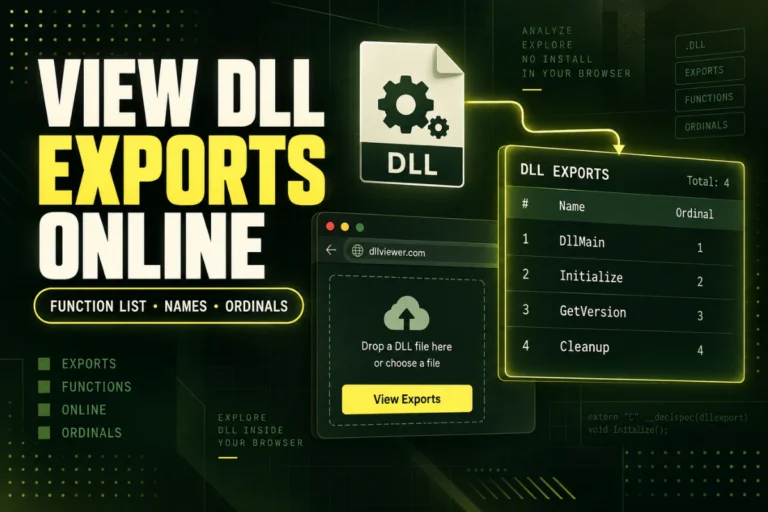
Exports are useful starting points in native DLL analysis.
DecodeFrame
GetVersion
ShutdownEngine
You can use exported names as entry points for deeper inspection, but not every internal function is exported.
For export analysis, read How to Find Exported Functions in a DLL.
Does Decompilation Prove a DLL Is Safe?
No. Decompilation can reveal useful behavior, but security analysis may also require runtime observation, configuration context, external dependencies, and other evidence.
Use decompilation as an analysis technique, not as a single yes-or-no security verdict.
Legal and License Considerations
Reverse engineering permissions can depend on software licenses, contracts, copyright law, local law, and your purpose.
Before decompiling proprietary third-party software, check whether you have permission to do so. Analyzing your own software, debugging interoperability issues, or inspecting authorized code can still be subject to specific license terms.
A Practical Expectation Guide
| Goal | Realistic? |
|---|---|
| See .NET classes and methods | Often yes |
| Reconstruct native function logic | Often partially |
| Recover original comments | Usually no |
| Recover exact original project | Usually no |
| Understand important code behavior | Often yes with the right tools |
Frequently Asked Questions
Can you decompile a DLL file?
Yes. The quality of the result depends on whether the DLL is managed .NET, native, mixed-mode, optimized, obfuscated, or protected.
Can a DLL be decompiled back to its exact original source?
Usually no. Decompiled output is reconstructed from the compiled binary.
Is a .NET DLL easier to decompile?
Usually yes because managed assemblies preserve rich metadata and IL.
Can a native DLL be decompiled?
Yes, but the result is usually approximate C-like pseudocode rather than original C or C++ source.
Do I need to execute the DLL to decompile it?
No. Static tools can inspect and decompile file contents without executing the DLL.
Can obfuscation stop decompilation?
It can make the result much harder to read, but it does not always prevent analysis completely.
Can You Decompile a DLL? The Practical Answer
Yes, but first identify what kind of DLL you have.
If it is a managed .NET assembly, a .NET decompiler can often produce highly readable reconstructed code.
If it is native, expect assembly and approximate pseudocode, with more manual analysis required.
Start with a static viewer, identify the architecture and CLR status, then choose the correct decompiler for the file type.
Inspect your DLL before decompiling it
Check architecture, PE format, imports, exports, sections, SHA-256, and basic .NET indicators without running the file.
Inspect DLL First